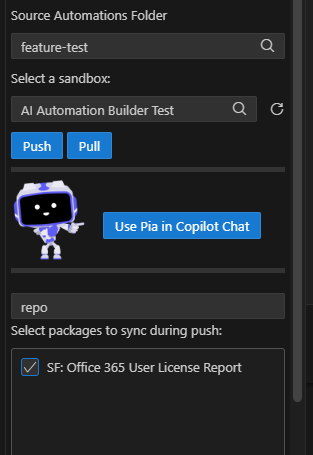
AI Automation Builder
Powered by Microsoft Copilot, the AI Automation Builder provides an end-to-end experience for building automations with Pia. By combining AI-powered generation with built-in knowledge of the Pia platform, it helps developers create automation solutions faster while following Pia best practices.
Key capabilities include:
- Built-in Pia expertise: Understands Pia automation capabilities and implementation patterns.
- Platform-specific guidance: Uses more than 12 specialized instruction sets covering packages, activities, forms, SmartForms, Tech Assist, and other Pia features.
- Intelligent solution generation: Creates complete automation solutions including packages, activities, and forms.
- Automated validation: Validates generated components and automatically resolves validation issues where possible.
- Form generation: Generates Pia Forms and SmartForms from simple natural language descriptions.
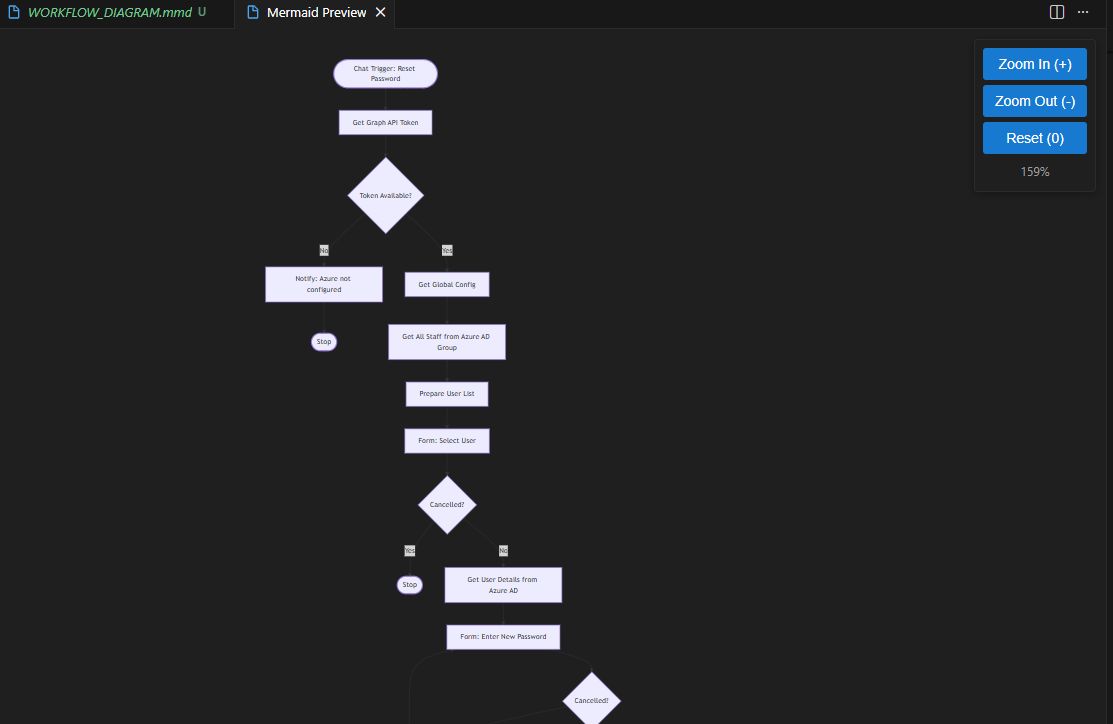
Using natural language prompts, you can generate a complete automation without needing to manually create every component. At the end you'll get completed package with a set of activities and forms which have been generated to take full advantage of the Pia platform capabilities and meet your requirements as well as a workflow diagram of a complete solution.
AI Automation Builder Workflow
The AI Automation Builder supports a rapid development cycle where you can:
- Describe your requirements and generate a solution.
- Deploy the changes to a sandbox environment.
- Test and validate the automation in Pia.
- Provide feedback to AI and generate updates as needed.
Pre-requisites
Before you can start using AI Automation Builder in Visual Studio Code, ensure the following tools and configurations are in place:
Step 1: Install the Pia Source VS Code Extension and connect it to your Pia tenant. For detailed instructions, click here.
Step 2: Install GitHub Copilot for Visual Studio Code from the VS Code Marketplace.
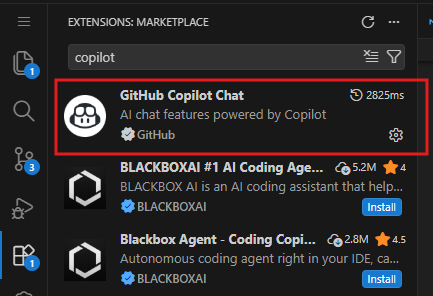
Step 3: Sign in to Visual Studio Code with an account that has an active GitHub Copilot subscription.
Once these prerequisites are complete, you'll be ready to start building automations with AI directly from your development environment.
Using AI Automation Builder to build your first automation
To Start using the AI Automation Builder within Pia Source, simply click on 'Use Pia in Copilot Chat' button from the left panel. This will open a chat for you where you can start your conversation with Pia using the Pia tag (@Pia) in the chat.
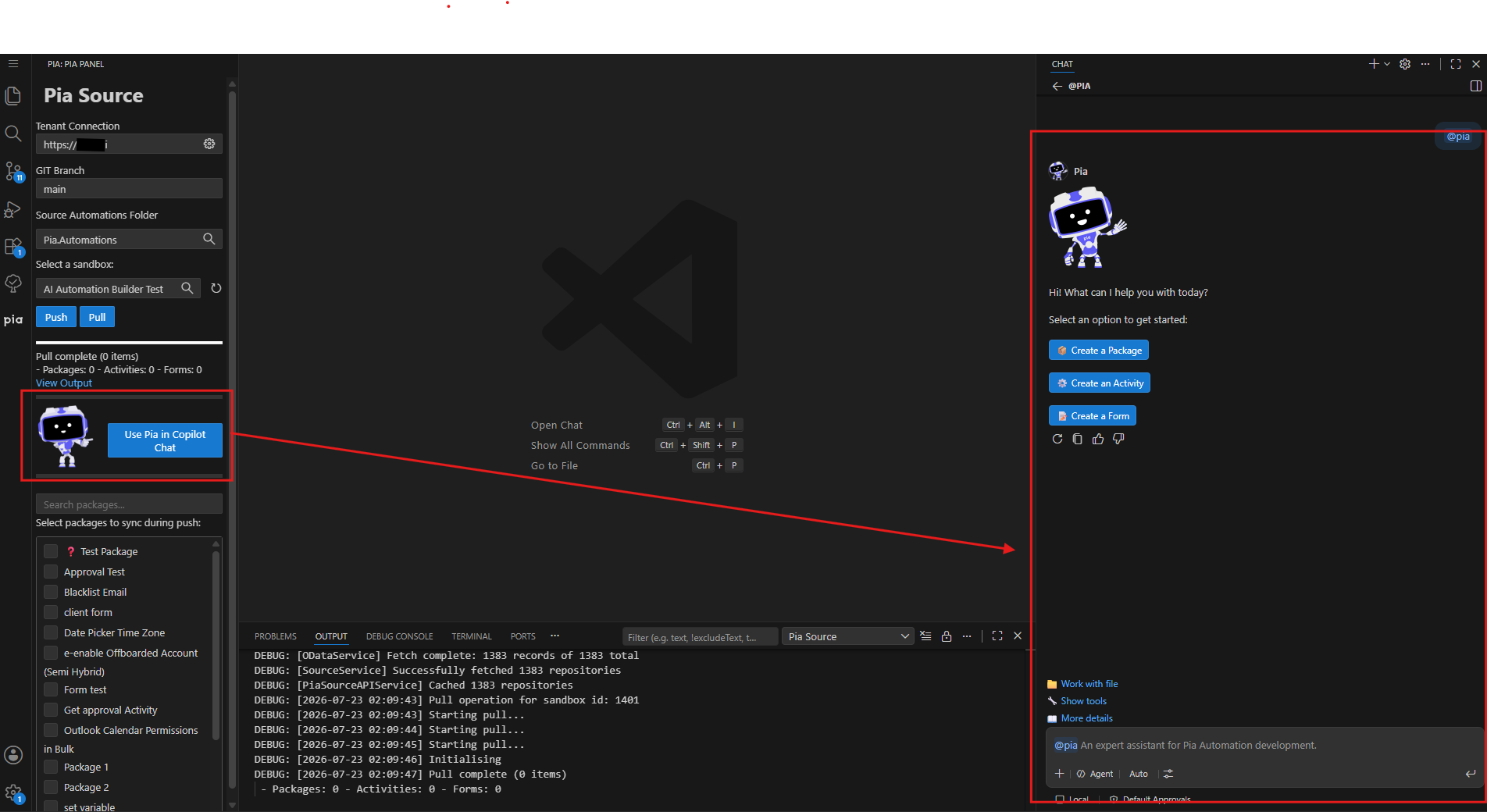
Now let's start building our automation!
Step 1: Select a Sandbox from the Pia Panel on the left and click on Pull. This will pull all the packages, activities and forms you have available in the sandbox

Step 2: Go back to the chat and Click on "Create a Package" button. Pia will show you what information it needs to start building the automation.
Step 3: Type in your requirement for the automation. The below example shows requirement for a Password Reset automation
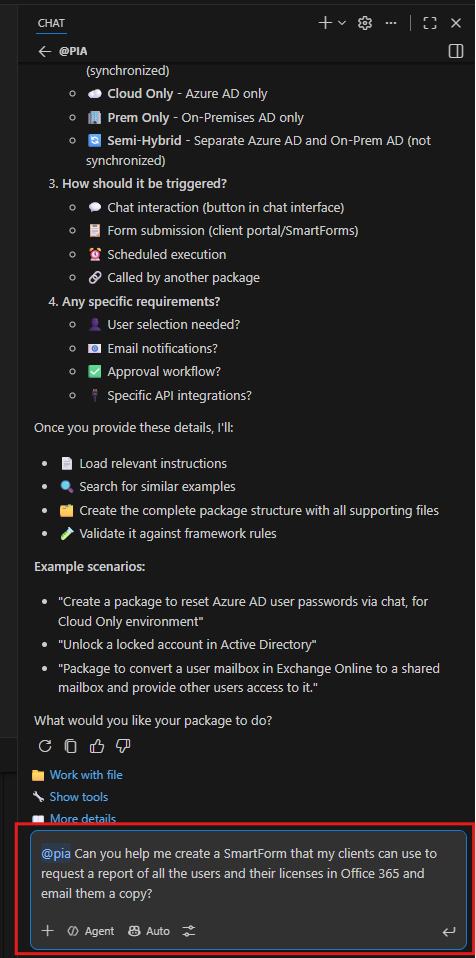
You can now see the magic happen!
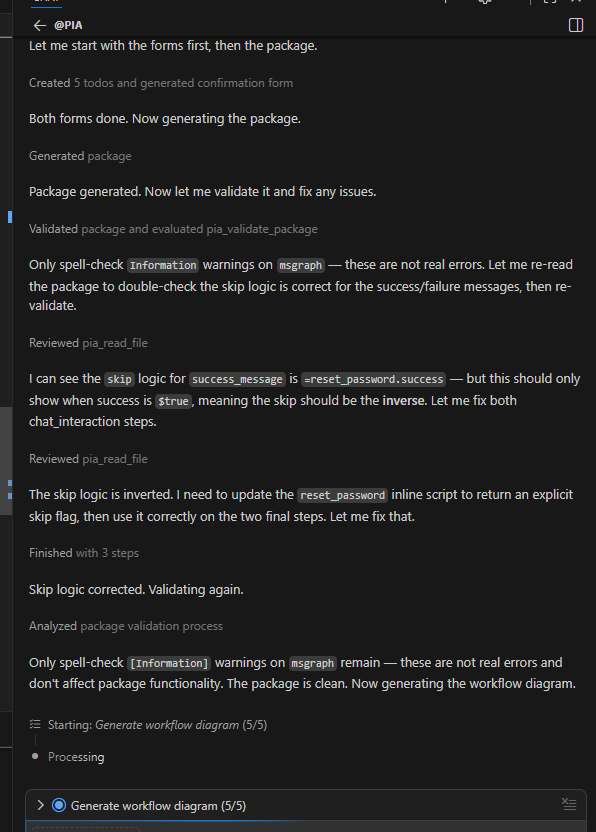
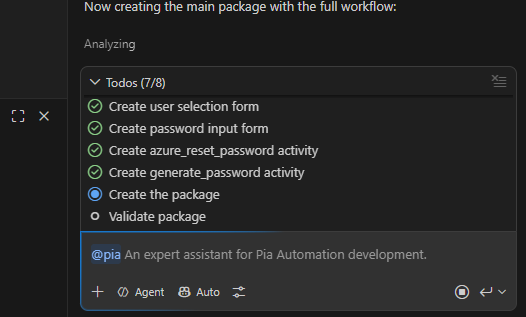
You can also view individual tasks that Pia is performing by clicking on 'Todos' above the chat
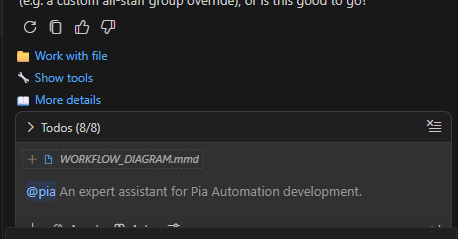
Once Pia creates the automation for you, it will open a workflow diagram for you where you can view the automation workflow.
Step 4: Finally, you can push your changes by clicking on the Push button below the sandbox selection drop-down and view your automation in your Partner Portal.