Ticket Audit Log Notes in your PSA
Pia automations perform a range of actions when triggered on a ticket through Tech Assist. When they run, they automatically add audit log notes to the ticket, giving your Service Desk engineers clear visibility into what was done without needing to review each automation step manually.
The Ticket Auditing feature gives you full control over how much detail Pia automations include in their audit log notes. You can have Pia automations add audit log notes for each critical step or choose to exclude some details that aren’t necessary for the Service Desk.
Configuring Ticket Auditing
Follow the steps below to configure ticket auditing behavior for both SmartForms and Chatbot automations:
- Step 1: Login to your Partner Portal and click on the Tech Assist menu option
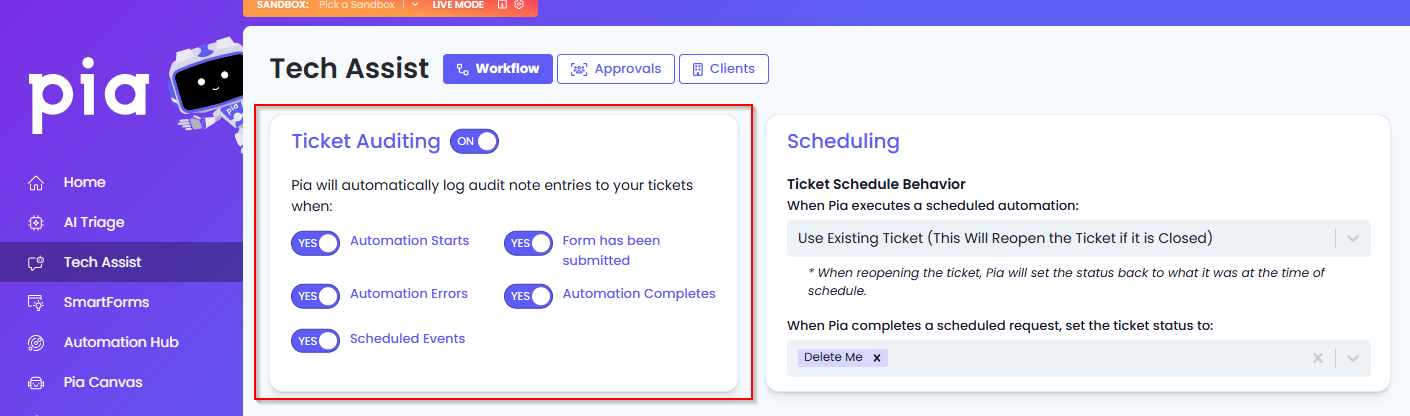
- Step 2: In the Workflow Tab, navigate to the Ticket Auditing section
- Step 3: Turn the 'Enable Ticket Note Auditing' toggle ON. This will enable ticket note auditing for all automations
- Step 4: Toggle ON or OFF the rest of the options based on your audit log requirements
Viewing Audit Log notes in your PSA
Once the ticket auditing feature has been configured, you can view the audit log notes created by Pia in your PSA during automation execution as below:
- ConnectWise
- Autotask
- HaloPSA
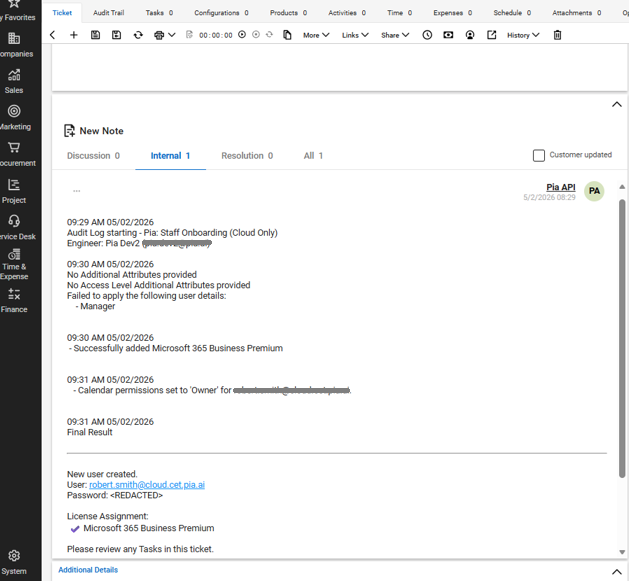
The audit notes are displayed as internal notes in ConnectWise.
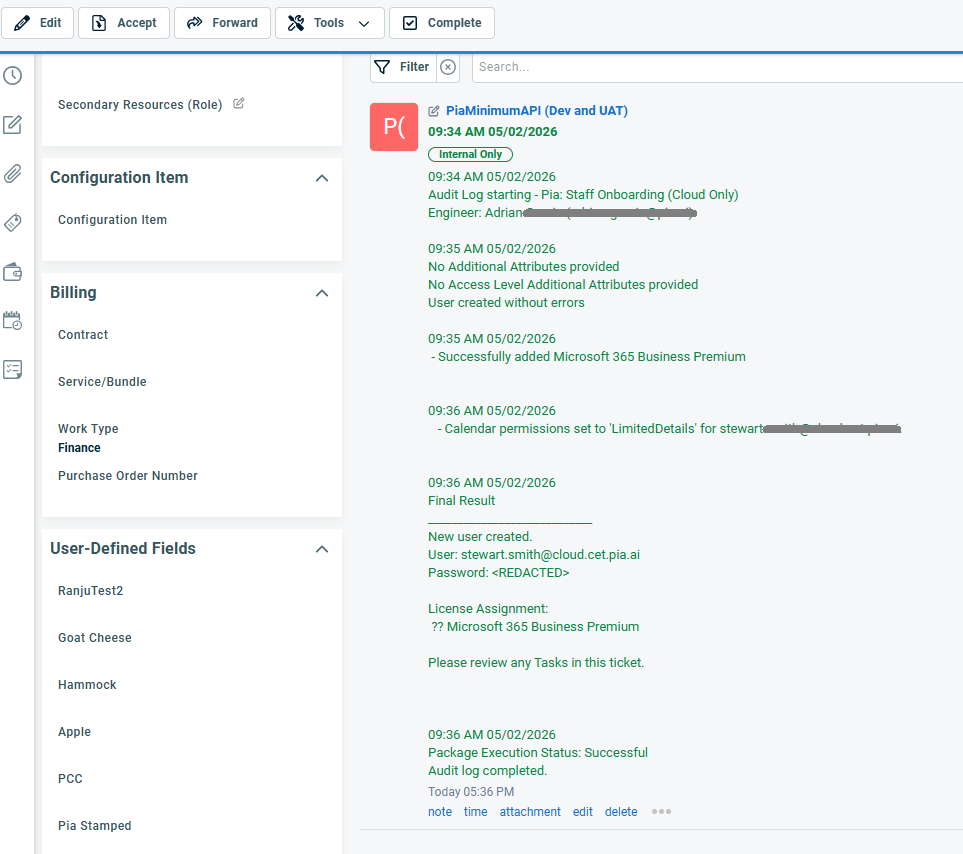
The audit notes are displayed under the Activity Tab as internal only notes.
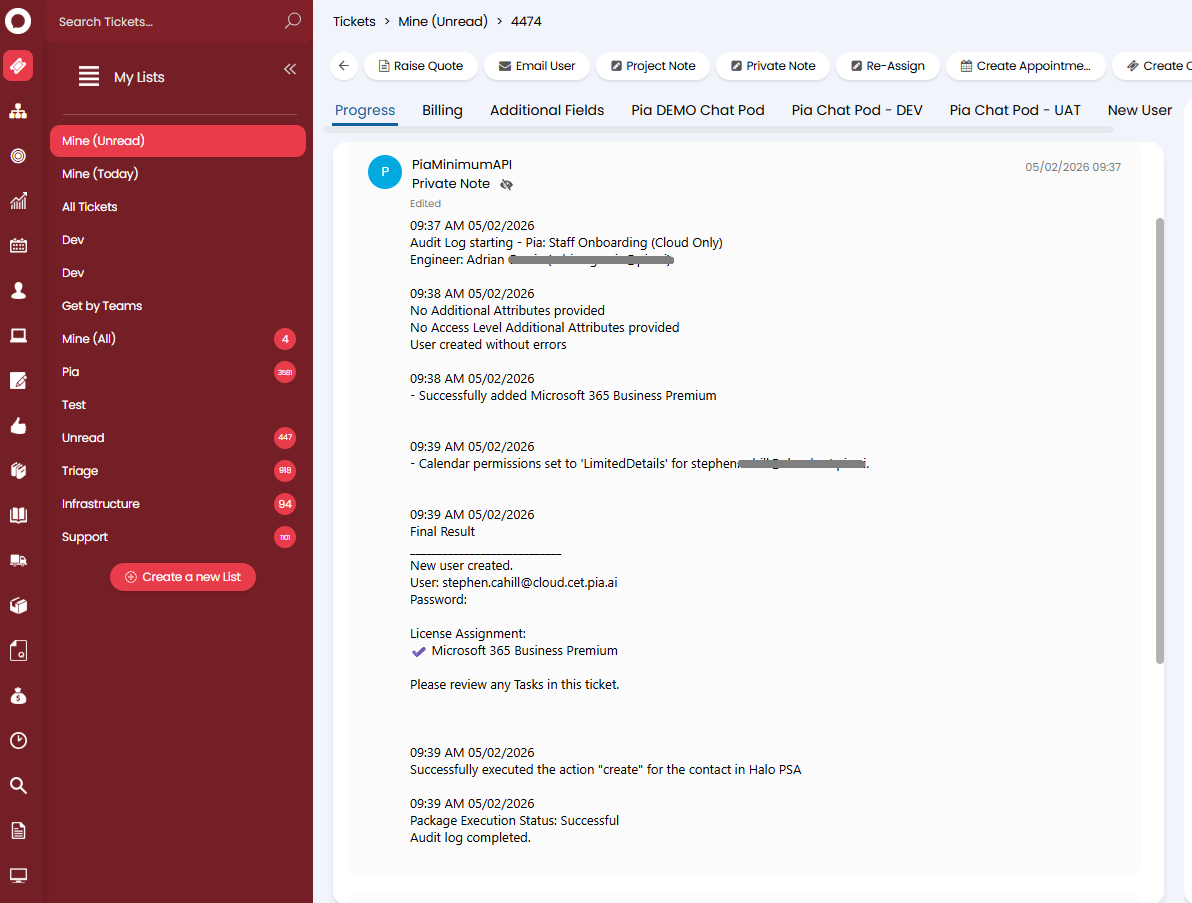
The audit notes are displayed under the Progress Tab in Halo PSA.