Ticket Scheduling
The Schedule for Later feature in Pia lets you delay an automation so it runs at a specific future date. When you schedule a built‑in or custom automation, Pia pauses it and automatically resumes it at the chosen time. For example, you can start offboarding a user now but schedule the final offboarding steps for a later date. Pia gathers the needed information immediately, then creates a secondary ticket that reactivates the automation at the scheduled time.
In Tech Assist, the Scheduling settings let you control how these scheduled tickets behave, what happens to them after the action completes and how they link back to the original ticket keeping the workflow organized and easy to follow.
With Scheduling, you can perform the following tasks:
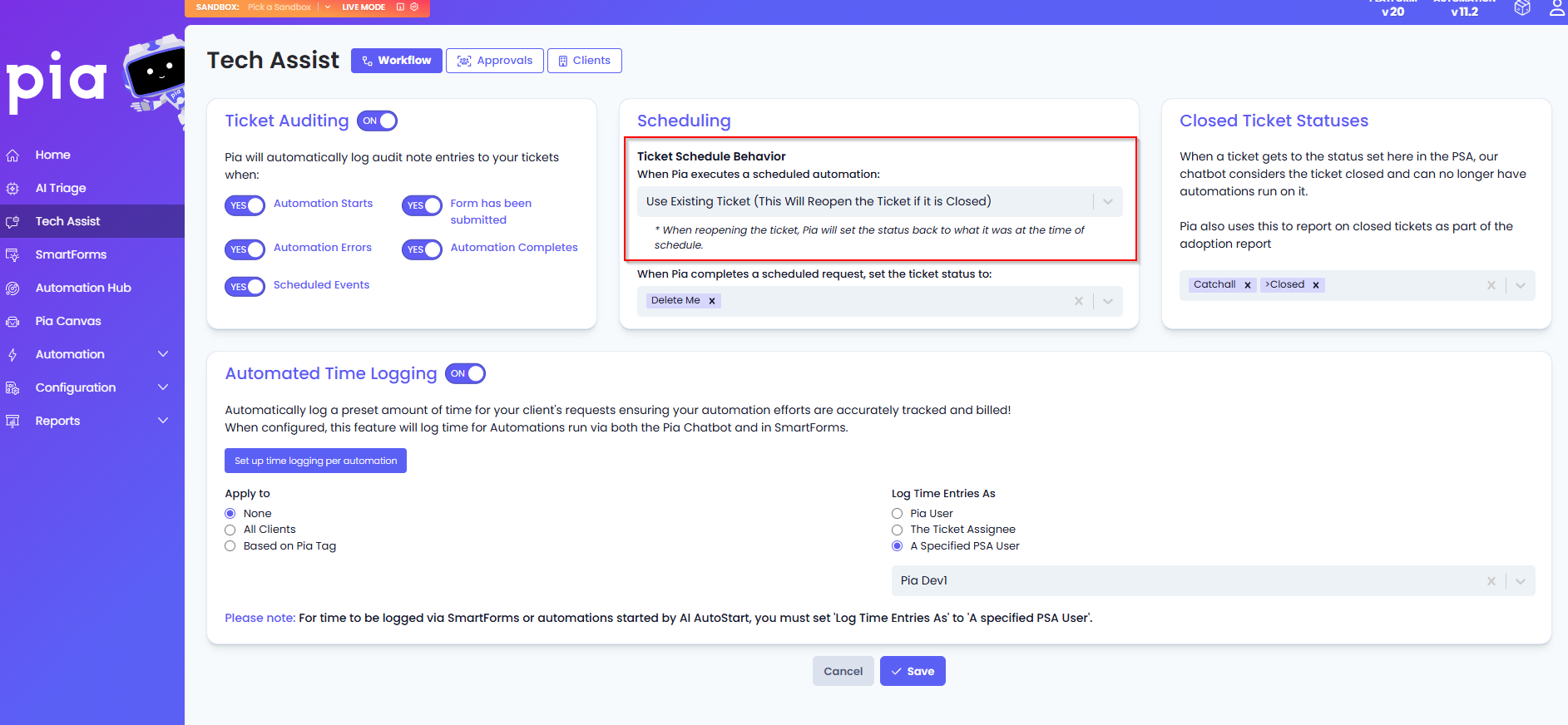
Ticket Schedule Behaviour
This configuration lets you control the bundling behaviour of the ticket generated on the scheduled date.
When a ticket is created on the scheduled date and time, you can choose to:
- Create and Bundle – This option will create a new ticket and automatically bundle it under the original ticket as a child ticket
- Create without Bundle – This option will create a new ticket that remains separate and unbundled to the original ticket
- Use Existing – This option reopens the original closed ticket at the scheduled date and time to continue the automation
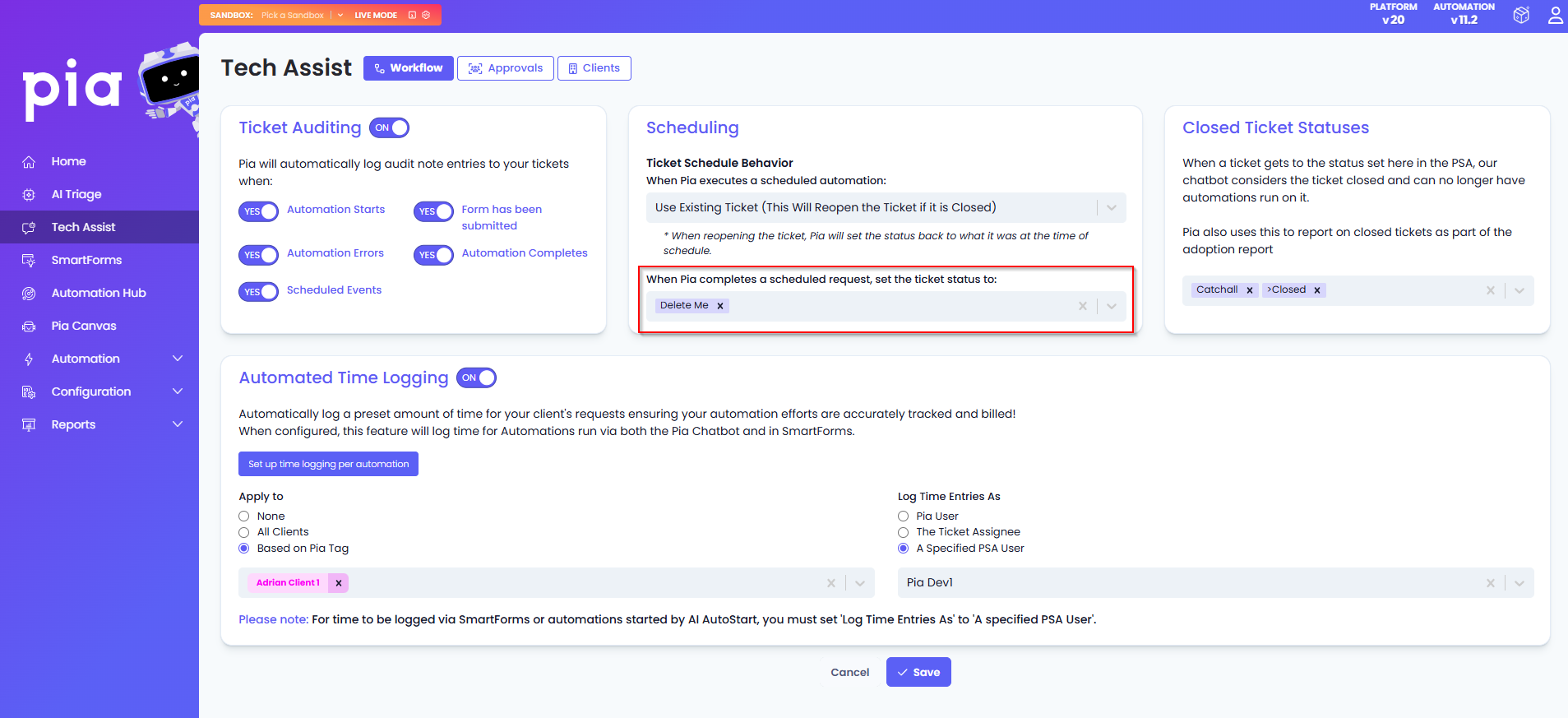
Define the status that a scheduled ticket should move to once its automation has completed
This section displays a list of statuses you can choose from to apply to the ticket once the scheduled automation has finished running. When configured, Pia checks the available statuses in your PSA and applies the one you selected. If the chosen status cannot be found, Pia will default to using the status of the parent ticket.